Building a Real-Time Queue System for a Shop on a Raspberry Pi with a Touchscreen
A ticket number system built from scratch on a Raspberry Pi 3 with a vertical touchscreen — customers tap to get a number, sellers manage the queue from their phones, and a TV display shows who's next. Node.js, Socket.IO, and a deep rabbit hole of kiosk mode, screen rotation, thermal printers, and Chromium autostart battles.
Node.jsExpressSocket.IOSQLiteRaspberry PiHTML/CSSJavaScriptLinux ARMChromium Kiosk Mode1mo ago

Builder of firstcommit.io. I ship with AI and share the journey.
0 followers5 karmaJoined Feb 2026
Build This
5 stages to follow
Paste this in your AI coding tool to build your own version, guided by the approach in this guide.
Build the project from this First Commit guide: 6555a432-2d9c-4794-8e3a-dcea2edc3674No source repo linked — follow the guide stages to build from scratch.
Requires First Commit MCP connected
How it was built
5 stages1
Architecture and First Build
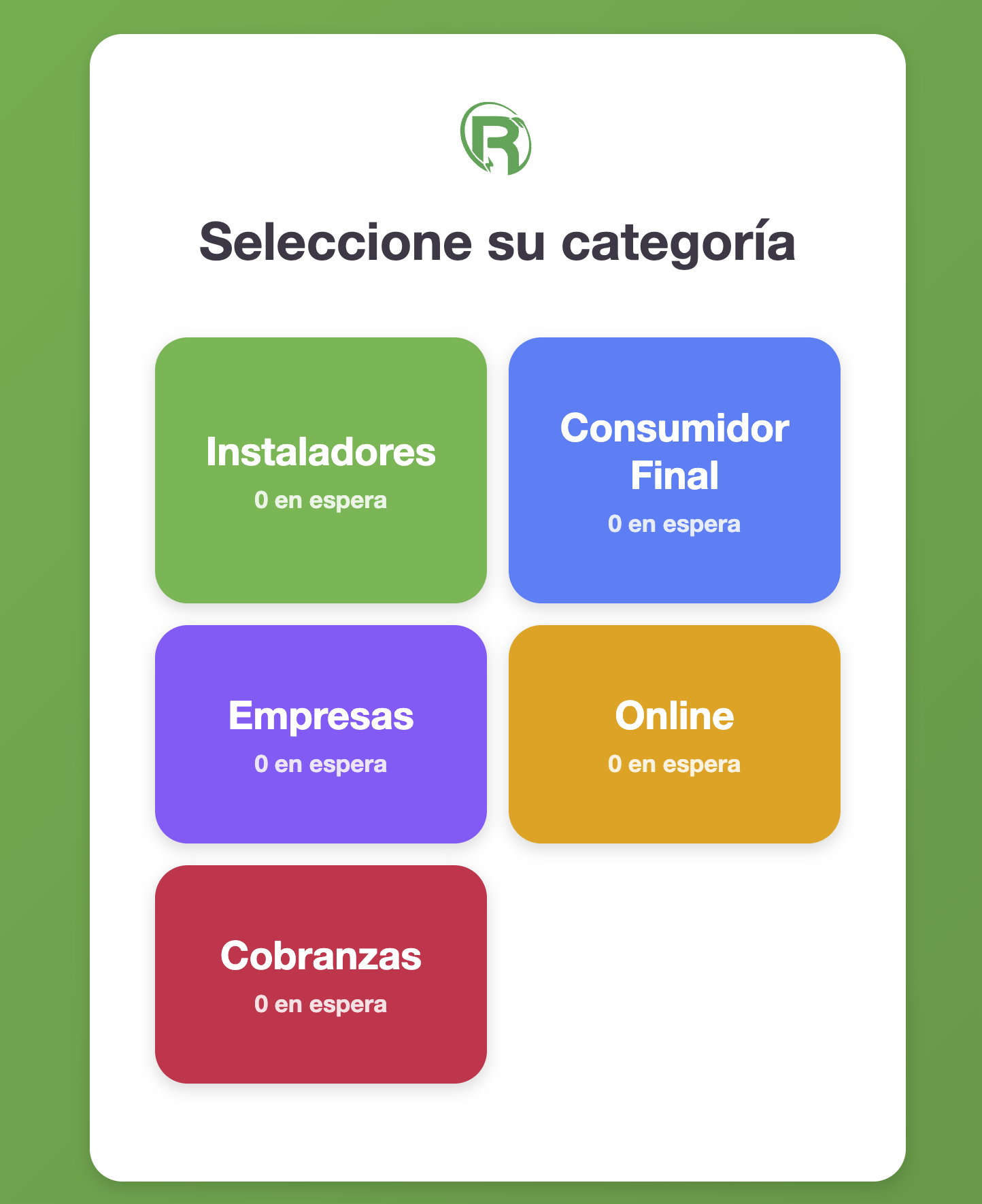
Started from scratch with a clear goal: queue number system on a Raspberry Pi 3 with touchscreen. Evaluated tech options and settled on Node.js + Express + Socket.IO + SQLite for minimal resource usage. Built three HTML interfaces: kiosk (customer touchscreen), seller (phone-based queue management), and display (TV screen showing current queue). Got the basic flow working — customer taps, gets a number, seller sees it in real time via WebSocket, display updates live. Pulled branding from an existing company website for consistent look.
~30 messages2
Multi-Channel Queue System
The simple single-queue system became a multi-channel beast. Added five separate channels: Instaladores (I), Consumidor Final (C), Empresas (E), Online (O), and later Cobranzas. Each channel maintains its own independent number sequence. The seller interface shows all channels and lets employees pick any ticket from any channel to serve next — not forced to go in order. The display page was redesigned McDonald's-style with two columns: waiting queue and currently-being-served, each number prefixed with its channel letter.
~50 messages3
Raspberry Pi Hardware Setup
The real battle began. SSH'd into the Pi, deployed the Node.js project, and configured it to run on boot. The touchscreen was vertical but Pi defaults to horizontal display. Rotated the screen output, but then the touch input was misaligned — tapping top-left registered as top-right. Screen rotation and touch rotation are configured separately on Linux ARM. Multiple attempts to get both aligned correctly. Set up Chromium to launch in kiosk mode (fullscreen, no UI chrome) pointing to the local server on boot.
~80 messages4
Ghost Browser Battle
The most frustrating debugging session. An old website (consultas.rigelec.com.ar) kept opening in Chromium on every boot, hijacking the kiosk. Disabling the ticket system's autostart service didn't stop it. Investigated systemd services, cron jobs, XDG autostart files, and Chromium's own session restore. Multiple reboot-and-check cycles, each time waiting for the Pi to come back up, SSHing back in, checking what page opened. Finding the IP after each reboot added extra friction. Eventually traced and killed the old autostart configuration.
~120 messages5
Polish and Printing Research
With the system running, focused on UX polish: password protection for the seller interface, notification sounds and animations on the display when a turn changes, larger Helvetica typography for readability on the TV. Deep-dived into thermal printer options — researched 58mm POS printers on MercadoLibre, read reviews about Linux ARM compatibility, calculated paper consumption (100 clients/day = one roll every ~5 days). Planned auto-print integration using ESC/POS commands directly from the Node.js server, bypassing system print dialogs. Browser autoplay policies blocked notification sounds until user interaction — a persistent annoyance for unattended displays.
~140 messagesComments
No comments yet
Builder of firstcommit.io. I ship with AI and share the journey.
0 followers5 karmaJoined Feb 2026
Build This
5 stages to follow
Paste this in your AI coding tool to build your own version, guided by the approach in this guide.
Build the project from this First Commit guide: 6555a432-2d9c-4794-8e3a-dcea2edc3674No source repo linked — follow the guide stages to build from scratch.
Requires First Commit MCP connected
More like this
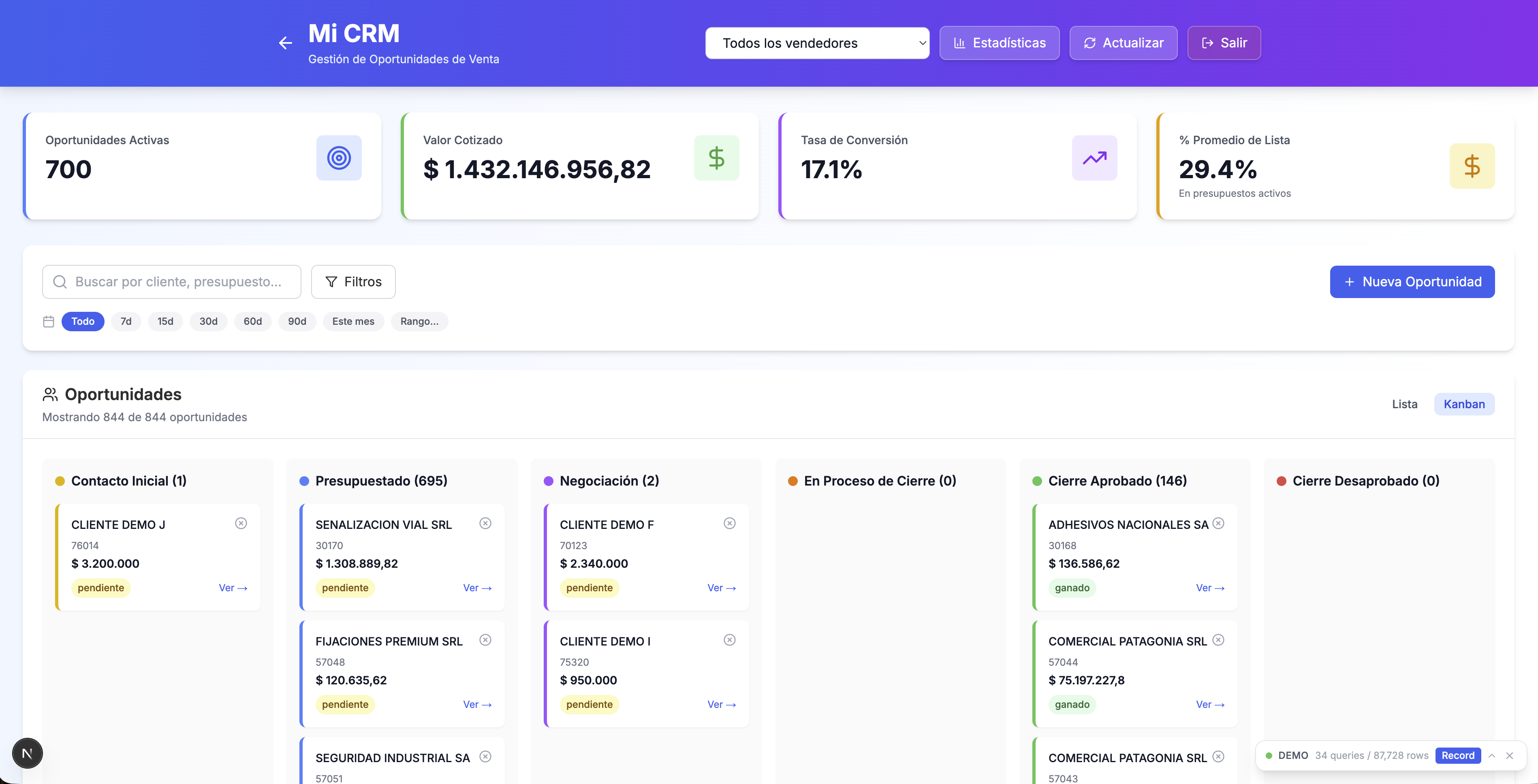
Building a Full-Stack ERP Intelligence Platform: From Legacy Database to CRM, Treasury & Cable Price Analytics
01mo ago
From Battle Royale Ball Pit to Marble Race: Building a 24/7 YouTube Shorts Game in Pure Pygame
01mo ago

Redesigning a Guitar Teacher's Website: From Generic Landing to Online Class Machine
01mo ago
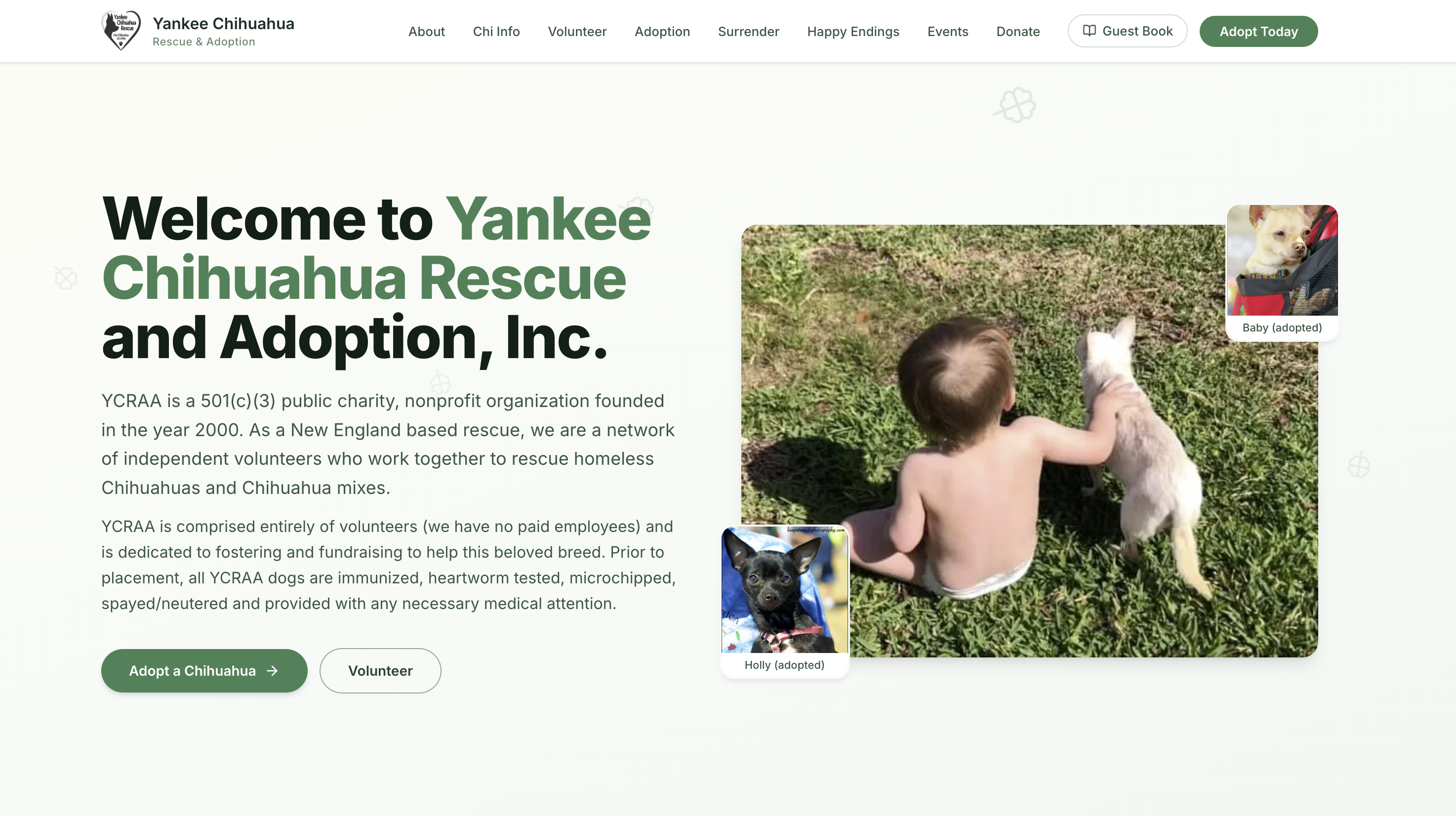
Rebuilding a Dog Rescue Website from Scratch: Scraping, Crawling, and Modernizing Yankee Chihuahua Rescue
01mo ago
B
Building First Commit: A Platform Where Vibe Coders Share What They Build
04w ago
More like this
Building a Full-Stack ERP Intelligence Platform: From Legacy Database to CRM, Treasury & Cable Price Analytics
01mo ago
From Battle Royale Ball Pit to Marble Race: Building a 24/7 YouTube Shorts Game in Pure Pygame
01mo ago
Redesigning a Guitar Teacher's Website: From Generic Landing to Online Class Machine
01mo ago
Rebuilding a Dog Rescue Website from Scratch: Scraping, Crawling, and Modernizing Yankee Chihuahua Rescue
01mo ago
B
Building First Commit: A Platform Where Vibe Coders Share What They Build
04w ago